
Siberian Tiger Icon:
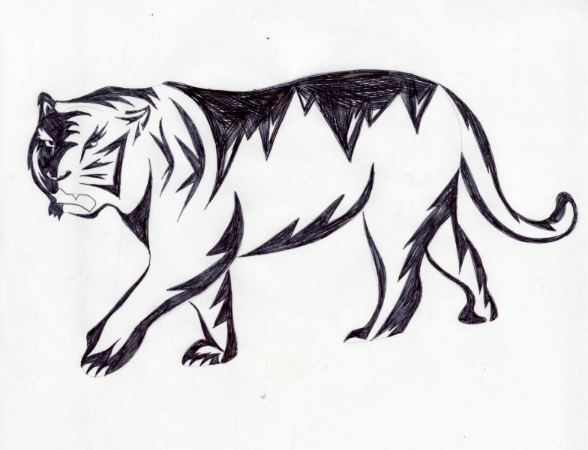
As a student pursuing a graphic design minor, I have a lot of experience using software such as Adobe Illustrator and Adobe Creative Cloud. I work best by sketching my ideas down first, using tracing paper to adjust small details, and transferring the drawing onto Adobe Illustrator to create the final design. In my GD 360: Graphic Form class, I was assigned to create an icon of a specific species. I chose a Siberian Tiger as my icon because I strongly admire their bravery, endurance, and self-reliance.
Tools: Adobe Illustrator
Task:
The final assignment was to create an icon representing a specific species, with the inclusion of design details related back to the animal.
Throughout the ongoing weeks spent on this project, we were assigned 6 tasks due at the beginning of every class session:
- Species information sheet
- Animal and environment mood board
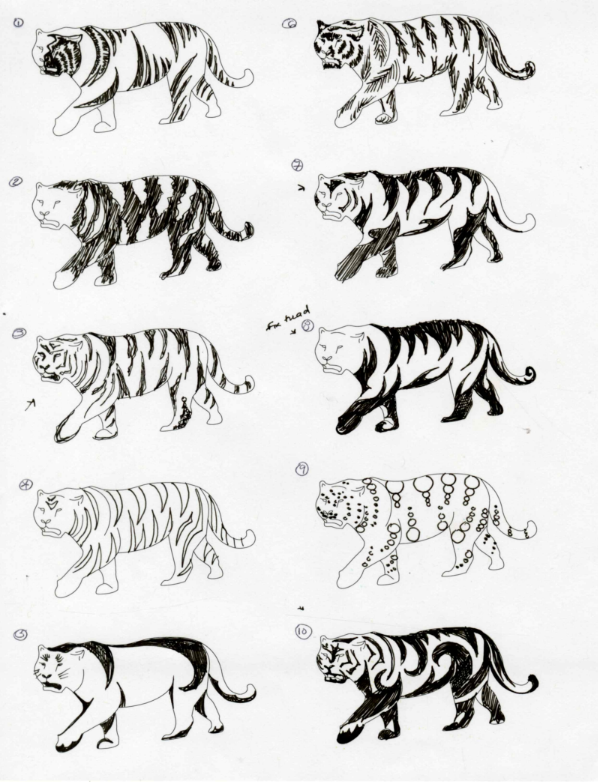
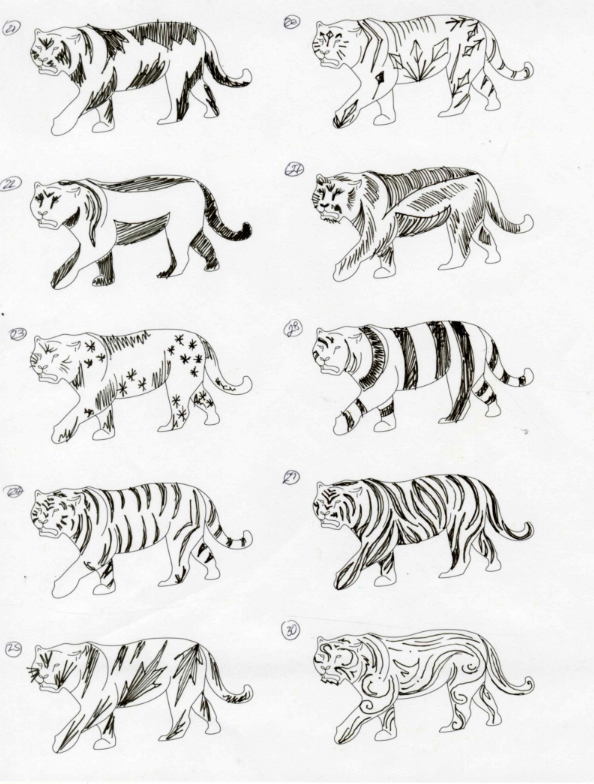
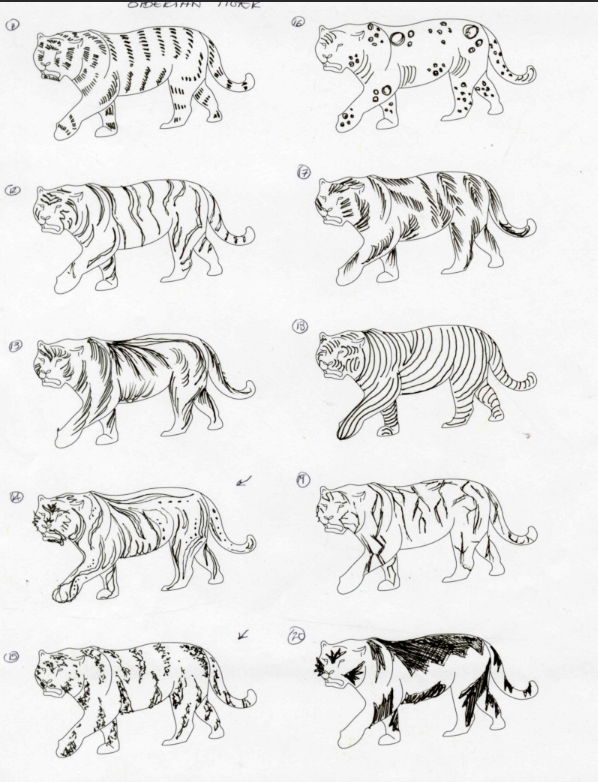
- 30 sketches
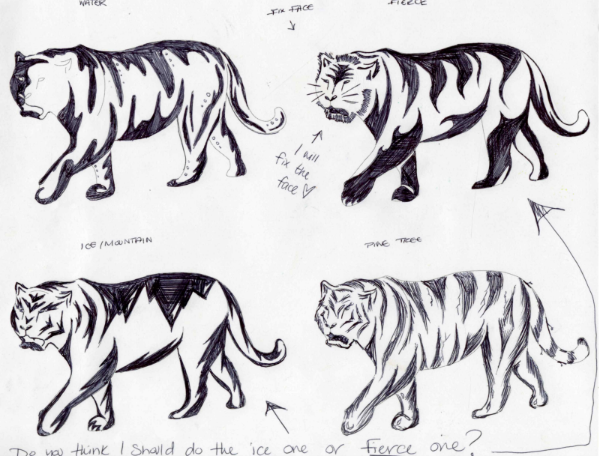
- 5 refined sketches
- Large, refined sketch
- Final study
Goals:
- Include a spice element to contrast with the consistency of line weight and elemental changes.
- Achieve a high quality of craft and master the necessary tools on Adobe Illustrator.
- Use and learn graphic design elements simultaneously for strong visual communication.
- Create harmony, repetition, progression, and logical connections.
- Identify and communicate the chosen animals qualities and learn more about their environment and daily activities.
- Improve sketching and creative skills with extensive stages of design.
Action:
Species information sheet:
- Research the chosen animal’s physical description, habitat, diet, and interactions with full-length sentences in order to find elements that could advance inspiration into the icon.
Animal and environment mood board:
- Create a mood board with 10 images of the chosen animal. Find different angles and backgrounds to showcase the information researched in the species sheet.
30 sketches:
- Sketch 30 individual ideas to generate creative options and designs that could inspire the final product. Each design represents a different element connecting back to the animal.
5 refined sketches:
- Choose your top 5 favorite sketches and dig deep into the details and the design elements. Draw those 5 sketches onto a larger outline to really indulge in specifics.
Large, refined sketch:
- After discussing and reviewing with classmates about the design improvements, chose the sketch that best demonstrates the animal’s key qualities and closely refine the sketch larger.
Final study:
- Transfer the final sketch onto Adobe Illustrator and use those tools to create the final icon. Use tools like pen, color, line weight, line adjustments, and adding/subtracting points in order to smoothly finalize the design.
Accomplishments:
Once I finished my final icon design, I felt really confident with my understanding and efficient practice of the tools, such as Adobe Illustrator, pen, paper, and tracing paper, used for the project. I was able to improve and strengthen many skills, including adjustments, communication after criticism, flow within the design, clean and fine sharpening of line, and effectively representing guidelines within a design. I was capable of following a timeline, solving problems, and brainstorming ideas to enhance my sketches, and I successfully expanded my learning as well. At the end of this project, I realized that I enjoyed the entire process and am very proud of my final icon design.